Know every farmer
Keep contacts, locations, work history and payment records together.
Your agricultural workspace
Connect your farmers, field team and daily accounts. Kandel Krishi keeps the people and work behind your agricultural business organised.
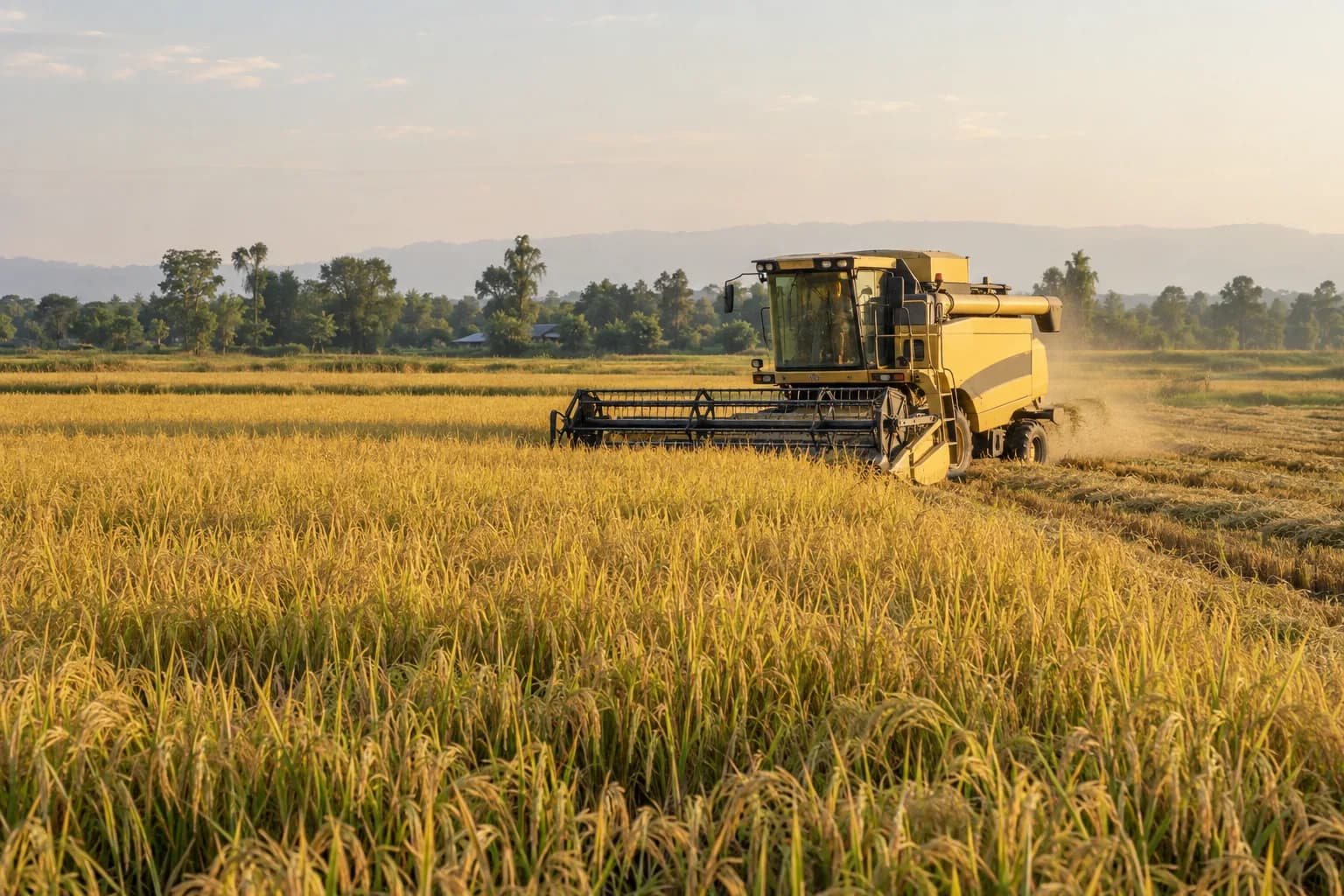
Rooted in the field. Ready for what’s next.
Built around agricultural work in Nepal.
One connected workflow
Give the team in the field and the people in the office a shared view of the work.
Keep contacts, locations, work history and payment records together.
Track jobs by crop, service and operator, from registration to completion.
Record payments, see outstanding balances and follow up with confidence.
Bring expenses, payroll and reports into a clear view of your operations.
A place for every part of your team
Field officers capture jobs and payments in the Android app. Managers use the web dashboard to organise daily work and keep accounts in order.
Review operations, collections, payroll and reports in one place.
Sign in to the dashboardRegister farmers, log work and collect payments on Android. Get the app and your account from your administrator.
Work offline · Sync when connectedFull feature coverage
Operations, payroll, reports, AI insights and reminders, connected across the field app and web dashboard.
Track daily field work from farmer registration to harvest completion.
Handle operating expenses and staff compensation in one system.
Generate the documents owners and accountants need.
Analytics, location insights, and reminder tools for informed decisions.
Administrators, managers and field officers work with permissions suited to their responsibilities. The dashboard combines charts, ledgers, exports and administration; the Android app supports field entry and offline sync.
Monthly salary, work-based earnings, advances, payroll-only staff, salary slips, the payroll register and payment ledger in one place.
Setup and access
For administrators setting up a fresh database. Existing teams can sign in and continue their work.
Point the deployment environment variables to a fresh MySQL database.
The setup screen checks the database before first-time initialization.
Create core tables, payroll tables, the default late-payment policy, and your first administrator account.
Sign in, add staff and farmers, then sync jobs and payments from the Android app.